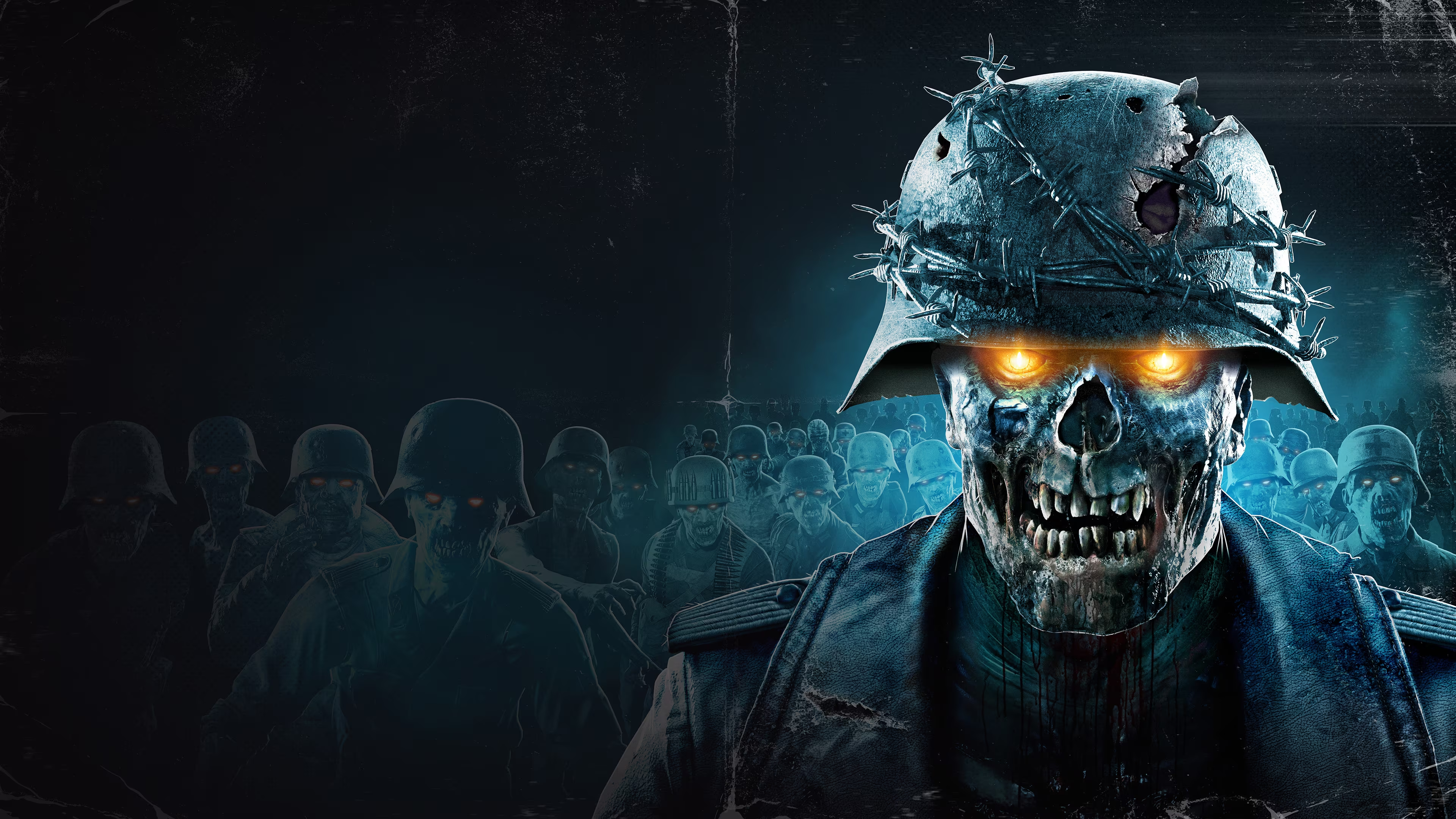
Zombie Hunt is an FPS script game for IRC.
It is a remake of the classic arcade game by Nintendo.
Zombies will appear in the channel and players will have to shoot them as quickly as possible!
Shoot a Zombie when you see: [¬º-°]¬ *ZOMBIE ALERT* [¬º-°]¬ *ZOMBIE ALERT* [¬º-°]¬
Shoot with !shoot and reload or unjam your gun with !reload.
View the shop with !shop, or click the dropdown menu up top under ZombieHunt Game and select Shop.
Buy something from the shop with !shop id# and view your hunting stats with !zombiestats.
| Available Search / Latest-Bot Triggers [Last Modified: 04/11/2018] | ||
|---|---|---|
| |01| | !Search <filename> | . (wildcard search operators: ? and *) - (Example: "!Search Game of Thrones s03e05") |
| |02| | !get <filename> | Used to download/get a file (Example: !get The Walking Dead) |
| |03| | !Latest | . Shows the 100 latest (newest) files. |
| |04| | !latestall | Shows the latest 25 files from popular categories. |
| |06| | !Hot | Display current HOT files. |
| |07| | !Topdl | Display Top 50 Downloaded Files. (You can now add a category! Example: !topdl movies) |
| |08| | !Subscriptions | Notifies/sends files that match the keywords that you specify. (Example: "!Subscribe Game of Thrones s05" - For more info, type: !subscription help) |
| |09| | !Recommended | List of recommended releases. |
| |010| | !Report <bot> <info> | Report a bad bot for invalid pack or transport endpoint errors. |
| |011| | !Grabbed | Show files Just Grabbed. |
| |012| | !bot <botnick> | Show files Bot is serving. |
| |013| | * NOTE: You must be REGISTERED AND IDENTIFIED to add a Subscription. | |
| |014| | * NOTE: Apps are not checked. OPEN AT OWN RISK! We suggest using an anti-virus or website like VirusTotal to check the file before you attempt install. YOU HAVE BEEN WARNED! | |
| |015| | * NOTE: If you are interested in having your Subs (if you have them) and want to stream them using Plex - type !plex |
|
| Request System | ||
|---|---|---|
| |01| | !Request <category> <filename> | . (Be specific in your requests. No 1080p, or XXX requests) |
| |02| | !Requests | Displays Current Requests. |
| |03| | !Cancelrequest | . Cancels your request. |
| |04| | !Reqfilled | . Shows filled Requests. |
| |05| | !ReqDeleted | . Shows deleted Requests. |
| |06| | * NOTE: You must be REGISTERED AND IDENTIFIED to add a Request. | |
| |07| | * NOTE: If you leave the channel for more than 6 hours... Your request will be auto deleted. | |
| Setgreet | ||
|---|---|---|
| |01| | !Setgreet [nick] [greetmsg] | Set a greetmsg when entering #ZW-CHAT |
| |02| | !delgreet [nick] | Delete a greetingmsg |
| |03| | !greetmsg <nick> | Check your greetingmsg |
| Common New Movie Tags | ||
|---|---|---|
| |01| | CAM | A cam is a theater rip usually done with a digital video camera. Picture and sound quality are usually quite poor, but sometimes we're lucky. |
| |02| | TELESYNC (TS) | A telesync is the same spec as a CAM except it uses an external audio source. Quality ranges drastically, check the sample before downloading the full release. A high percentage of Telesyncs are CAMs that have been mislabeled. |
| |03| | DVD-SCREENER (DVDscr) | A pre-DVD, sent to rental stores, and various other places for promotional use. If the ripper has any skill, a DVDscr should be very good. Usually transferred to SVCD or DivX/XviD. |
| |04| | WEBRIP | Captured digital webstream e.g. from Hulu. If properly done it will have good quality similar to DVDRips or BluRays when streamed in HD. However, it can have sporadic glitches or windows notification sounds embedded if not done properly. |
| |05| | HD / HDTVRIP | Captured TV stream. If properly done it will have good quality similar to DVDRips or BluRays when streamed and saved in HD. It can have artefacts/glitches due to transmission errors during streaming. Often comes with surround sound. Quality can vary a lot. |
| |06| | WEB-DL | Downloaded digital copy e.g. from iTunes. Usually good quality, with none of the downsides of webrips but all their benefits. They usually "air" way before retail formats, making them an attractive alternative. They often feature DD5.1 sound, some subtitles, and are available up to 1080p. |
| |07| | Quality Scale | bluray hd =~ hd web-dl > hd webrip > hd(tv)rip > hd-to-sd web-dl > hd-to-sd webrip ~> dvdrip ~ sd webdl > sd webrip ~ sdtv |
| Incomplete / Corrupted Files | ||
|---|---|---|
| |01| | First of all, it's important to sort out what kind of problem you have with your file before you can take measures. | |
| |02| | No Error on Unpack | If your .TAR file unpacks fine without any error messages, it means your packed content could already be corrupted or incomplete before it was packed. Downloading it again won't help. Join #Incomplete and request the missing/corrupted files or use !extract. |
| |03| | Unexpected End of Archive | If your .TAR file fails unpacking with this error, try these steps: 1. Try resuming the file from the same bot 1-2 more times. Check if it really resumed, then try unpacking again. 2. If that fails, try resuming the file from different bots until one succeeds. 3. If no bots can resume it, you must get the files separately via !report <bot> <filename>. |
| |04| | General Advice | Make sure you have the newest WinRAR. Older versions sometimes fail when unpacking larger archives. |
| Passive Bot & Connection Troubleshooting | ||
|---|---|---|
| |01| | Passive DCC Required | If you are trying to download from a bot that you cannot connect to ("unable to connect"), you have to use passive DCC. You will need to change settings in your router (either port forward or DMZ yourself). |
| |02| | Port Settings | The default port range mIRC uses is 1024-5000. There is no need to open so many ports. You need 1 port for every DCC send/get/chat. A range of 10 ports should be more than enough. For this example, we will use 5001-5010. |
| |03| | Router Setup | Log into your router, go to Port Forwarding, and set ports 5001-5010 to forward to your local network IP address. Alternative Option: You can log into your router, go to DMZ, and enter your network IP address. DMZ is less secure and should only be used as a last resort! |
| |04| | mIRC Configuration | Tell mIRC which ports you selected by typing Alt+O, then going to Connect > Options > Advanced or Ports (depending on your mIRC version) and inputting your range. |
| |05| | Firewall & IP Check | Allow the same ports in your firewall software. If behind a router, force mIRC to use your external IP/hostname instead of 192.168.x.x. Set this by typing Alt+O, going to Connect > Local, and manually entering your details OR checking both boxes and selecting "Server Lookup Method". If using a Proxy, VPN, or BNC, you MUST UNCHECK both boxes and manually enter your IP/hostname. |
| mIRC Remote Script Tricks | ||
|---|---|---|
| |01| | Hide Bot-Talk in XDCC Chan | Add to REMOTE Scripts:on ^*:text:*:#ZOMBIE-WAREZ: if ( $nick isvoice #ZOMBIE-WAREZ ) haltdef |
| |02| | Hide !commands in #ZW-CHAT | Add to REMOTE Scripts:on ^*:text:*:#ZW-CHAT: if ( !* iswm $1 ) haltdef |
| |03| | Hide Bot Announces | Add to REMOTE Scripts:on ^*:text:*:#ZW-CHAT: if (( [ZOMBIE]-* iswm $nick ) || ( $nick == Brains )) haltdef |
| |04| | Hide Join/Part/Quit | Right-click the channel tab, select Event, and change "Default" to Hide. |
| |05| | Hide Entire Channel Window | Will remain selectable via the window menubar:/window -h #channelname |
| |06| | Maintain 5MB DCC Rollback | Add to REMOTE:on *:getfail:*: /btrunc $filename $iif($calc($file($filename).size - 5120000 ) > 0, $ifmatch, 0)* Reduces the probability of data corruption when aborting/resuming transfers. (Highly Recommended) |
| |07| | Auto-Sort Downloads | Go to Options > DCC > Folders and add entries for categories:*XXX* -> c:\xxx\*HDTV*x264* -> C:\tvx264*SKIDROW*,*RELOADED* -> C:\GAMES |
| |08| | Extended DCC Send Check | Only allows sends from voiced bots in #ZOMBIE-WAREZ:ctcp *:DCC SEND *:?: if ( $nick !isvoice #ZOMBIE-WAREZ ) || ( Zombie-* !iswm $nick ) /echo -a BLOCKED SEND FROM $nick | /dcc reject | haltdef |
